Vevy AI runs on a simple credit system. Every time you generate content, a small number of credits is used depending on what fields you're filling in. Here's everything you need to know.
Your Free Credits
When you install the app, you automatically receive 300 free credits — no setup required. These are ready to use immediately, so you can start generating content for your catalog right away.
How Credits Work
Each field you generate costs a set number of credits. You can generate a full product or collection at once, or pick and choose individual fields.
Products — 10 credits for a full product
Field | Credits |
|---|---|
Title | 1 |
Description | 3 |
Meta Title | 1 |
Meta Description | 1 |
Product Type | 1 |
Product Tags | 1 |
URL Handle (slug) | 1 |
Image Alt Text | 1 |
Collections — 8 credits for a full collection
Field | Credits |
|---|---|
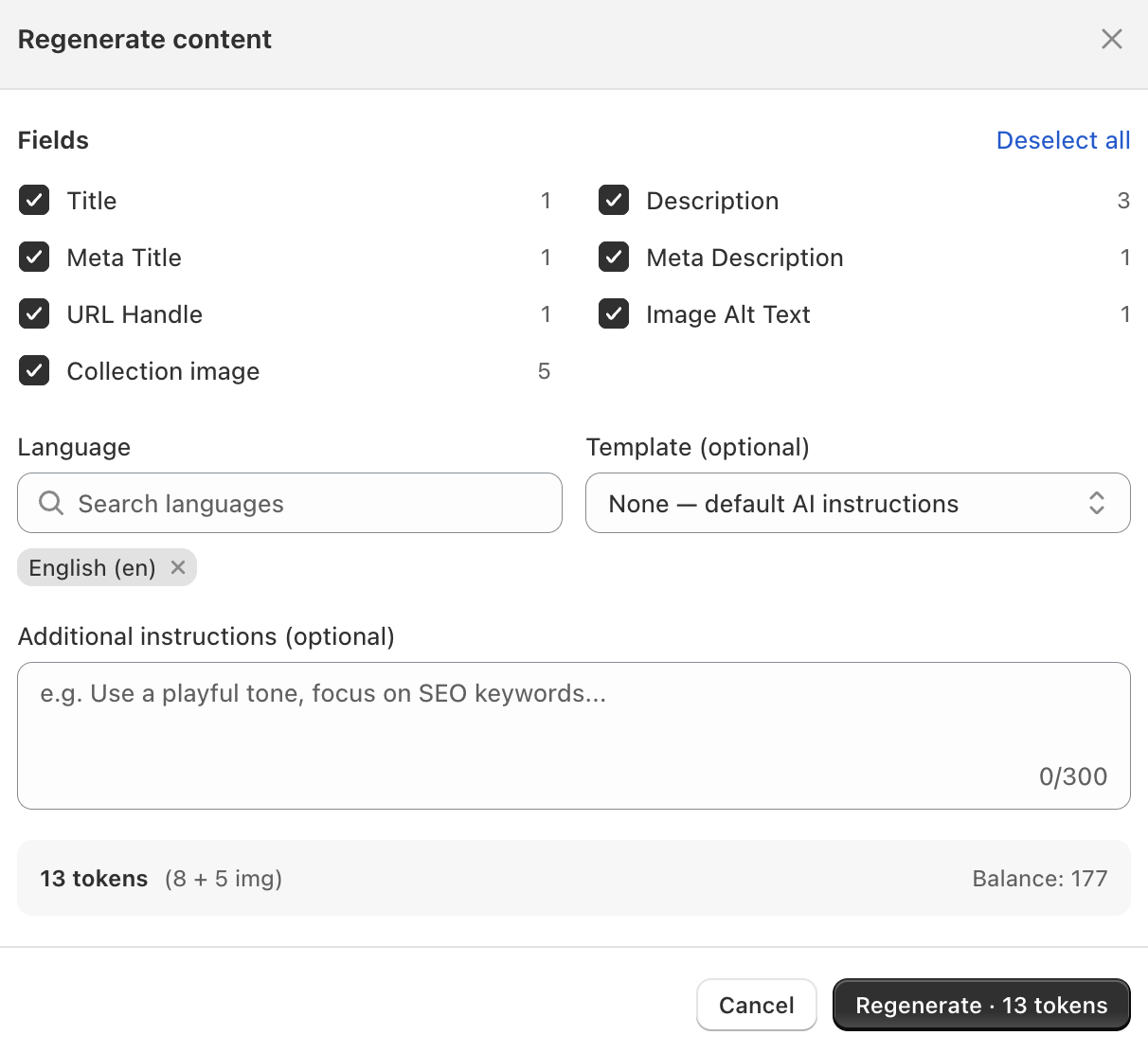
Collection image | 5 |
Title | 1 |
Description | 3 |
Meta Title | 1 |
Meta Description | 1 |
URL Handle | 1 |
Image Alt Text | 1 |
So for example, generating descriptions and meta descriptions for 10 products in bulk would use 40 credits (4 credits × 10 products).
Regenerating Content
You can regenerate any field by leaving a comment with specific instructions, and the app will produce a revised version. Each regeneration uses the same credit cost as the original generation.
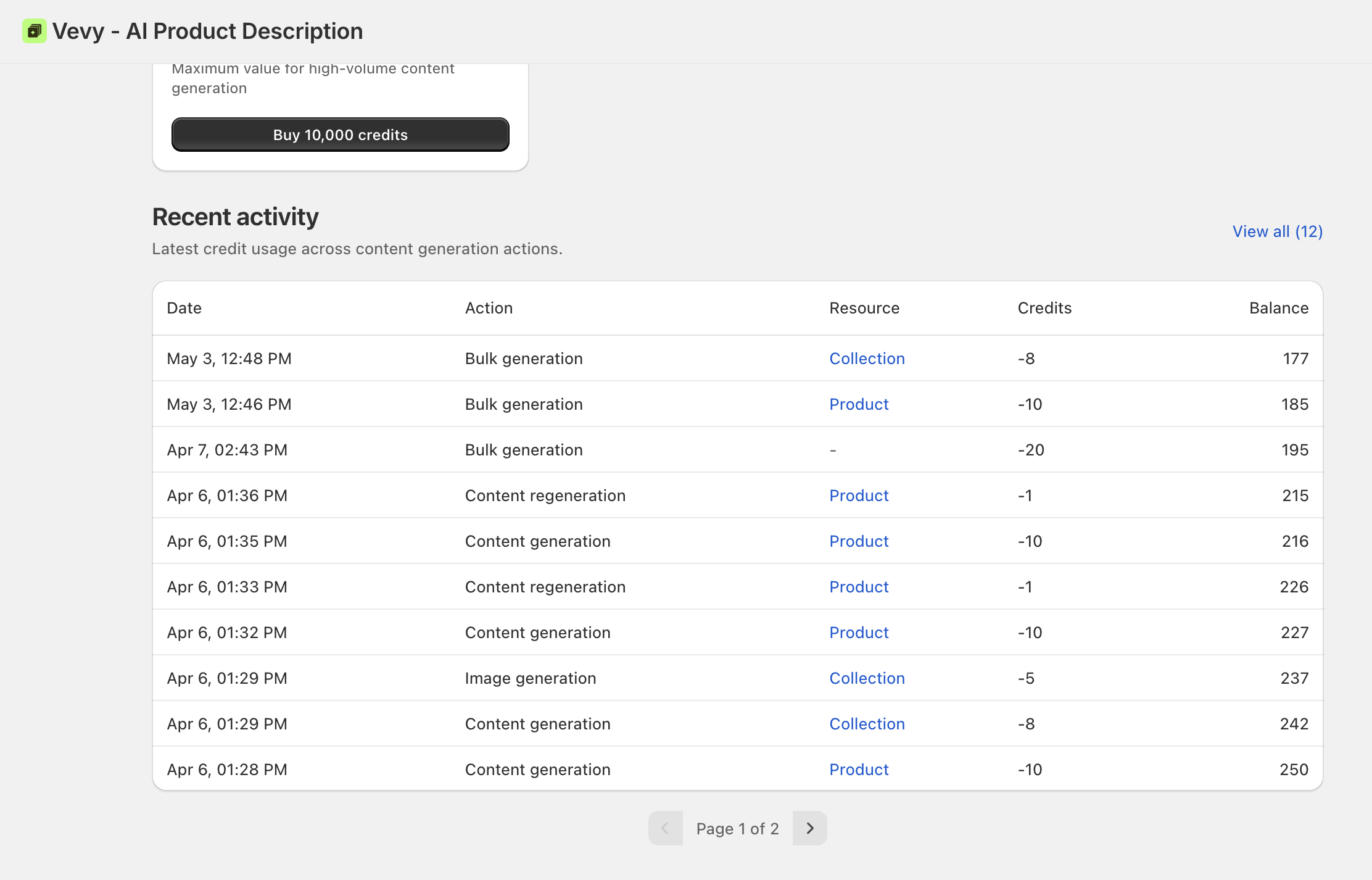
Checking Your Credit Usage
You can see exactly how many credits you've used and what they were spent on at any time. Go to Billing → Recent Activity inside the app for a full breakdown.